The CV that gets you the interview
Choose a premium template, fill in simple forms and watch your CV design itself. Download a polished, ATS-ready PDF in minutes.
- Private: nothing is uploaded
- ATS-friendly PDF
- Works on any phone
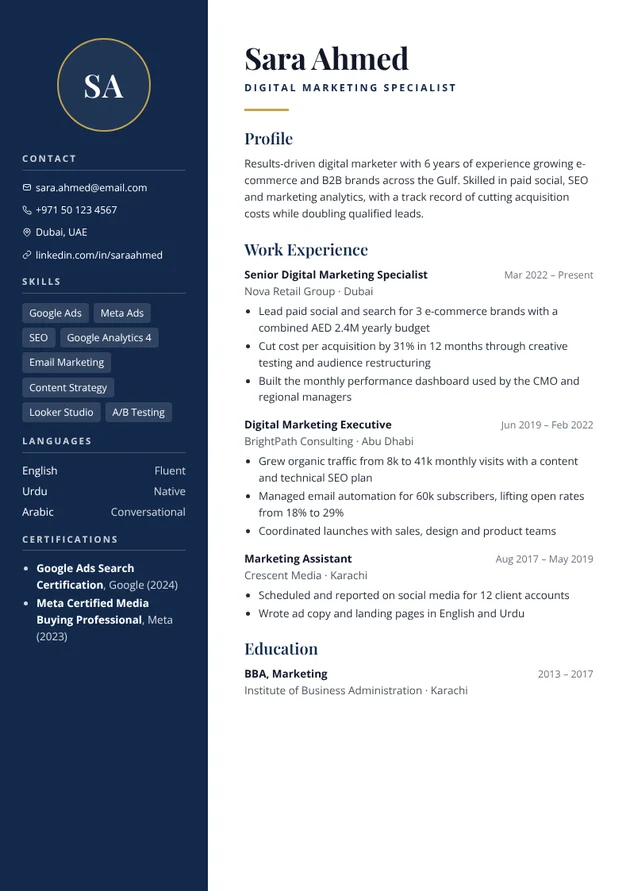
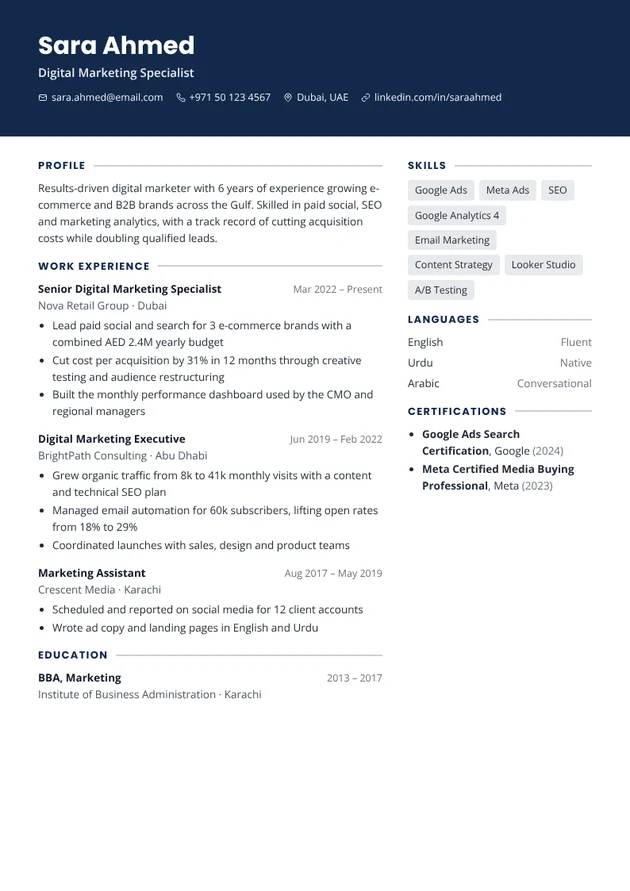
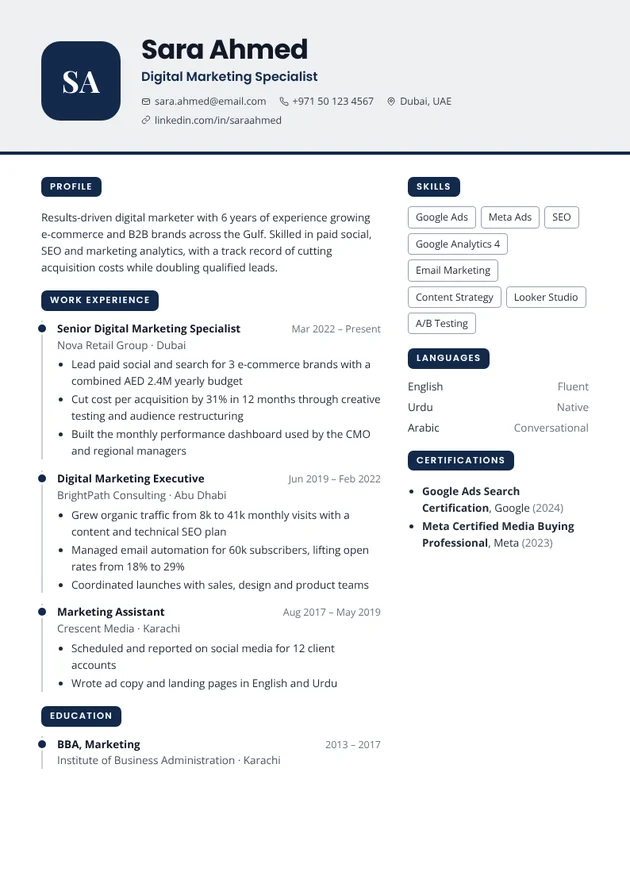
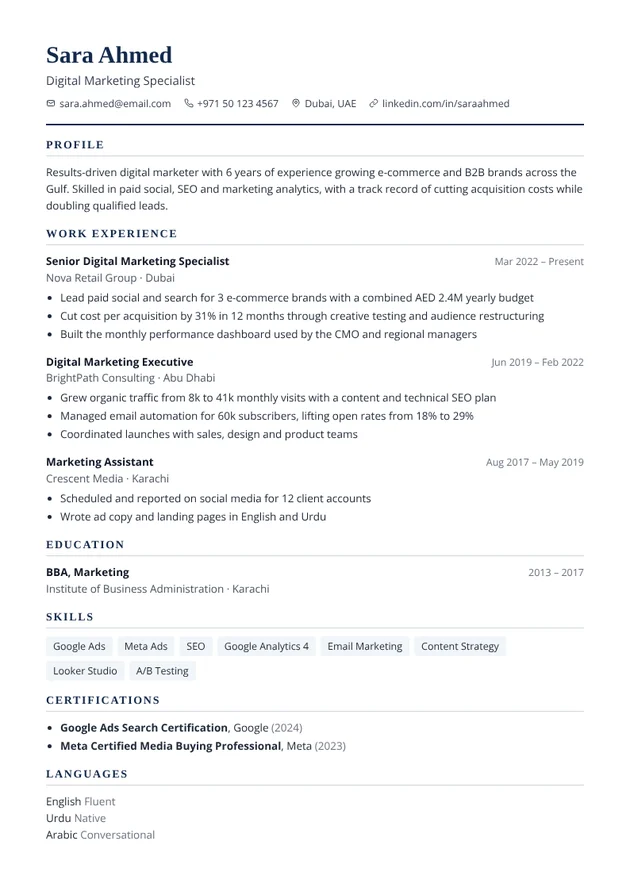
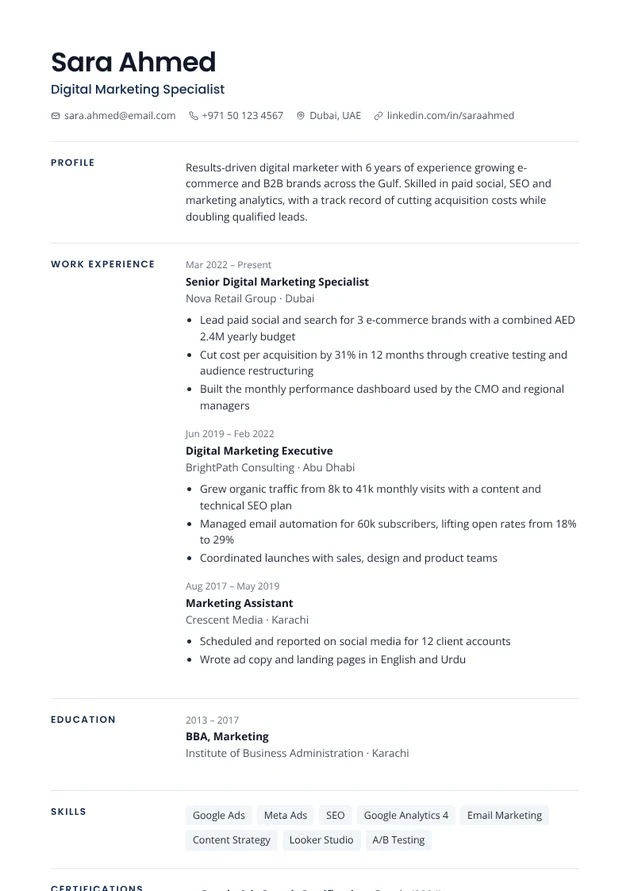
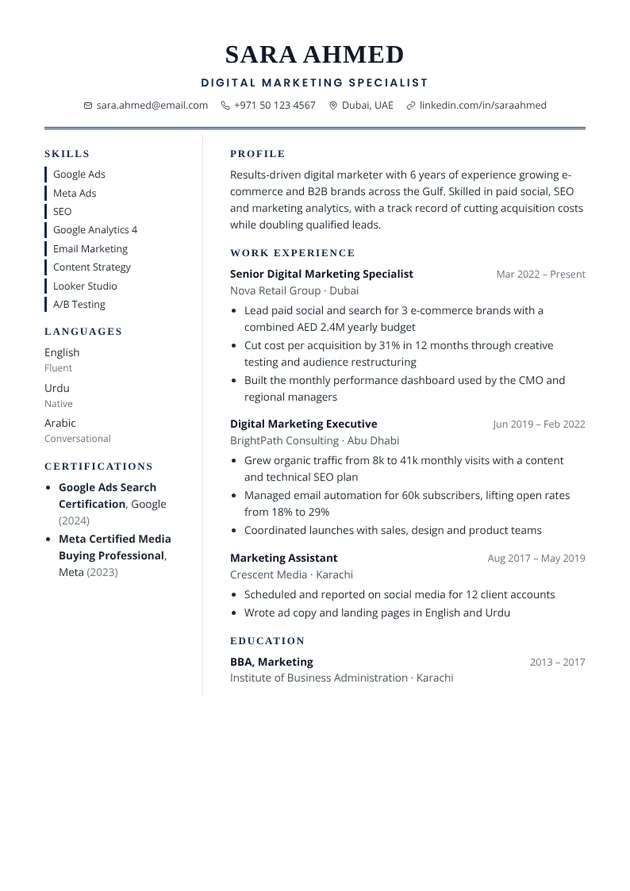
Designed to impress recruiters
Every template is built by hand for clean typography, clear structure and print-perfect A4. Switch any time; your text stays.
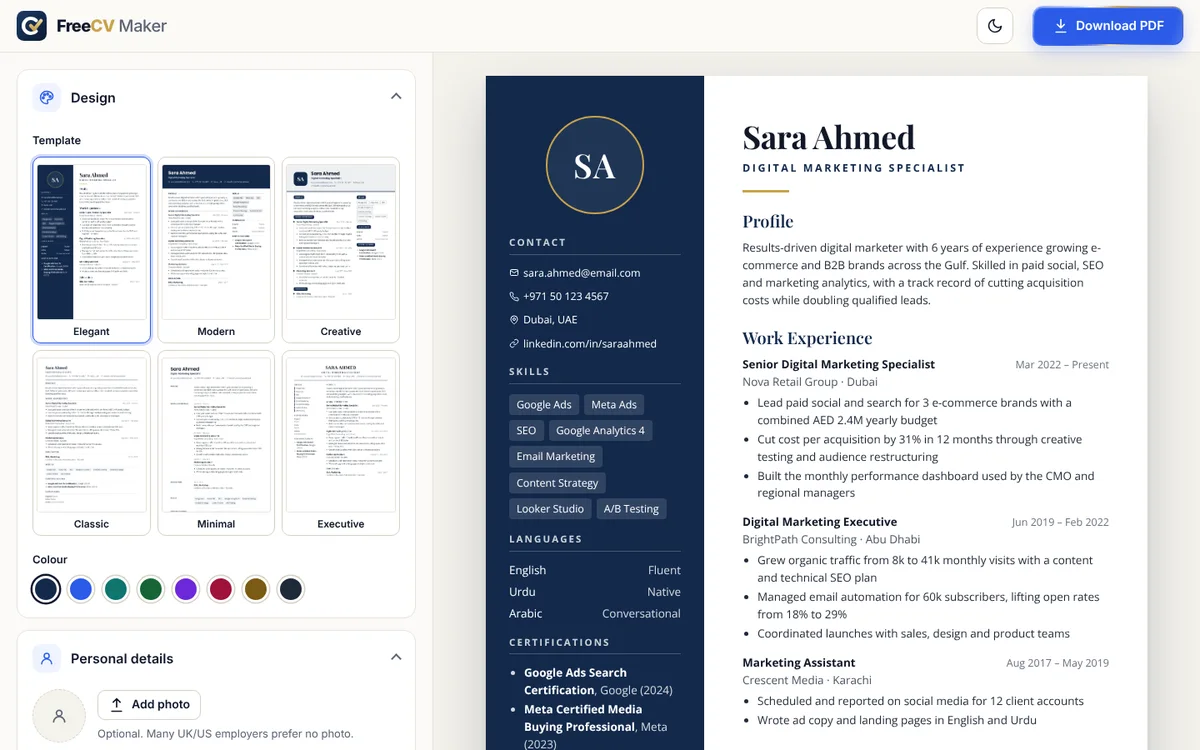
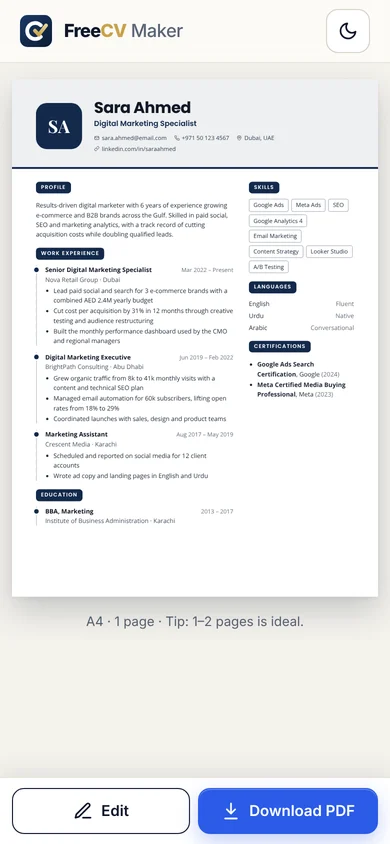
Build on your laptop. Finish on your phone.
The full builder works on any screen, with live preview and one-tap PDF download.
Your CV in three simple steps
No design skills needed. Layout, spacing and fonts are done for you.
- 01
Choose a template
Start with Elegant, Modern, Creative, Classic, Minimal or Executive, in any of 8 colours.
- 02
Fill in your details
Guided forms with examples. The preview updates as you type, so you see every change.
- 03
Download your PDF
Save a print-ready A4 PDF with real text, ready to send with any application.
Built to be honest, private and fast
Your CV never leaves your device
There is no account system and no CV database. Everything you type is saved only in your own browser, so your phone number, address and work history stay yours.
Free. Really.
No trial, no watermark and no "pay to download" surprise at the end.
Live preview
See exactly what the PDF will look like while you type.
ATS-friendly
Real text and standard headings that hiring software can read.
Auto-save and backup
Come back any time, or move your CV with a small backup file.
Free should mean free
Many "free" CV builders ask you to pay or sign up just before you download. We don't.
| What you get | Free CV Maker | Typical CV sites |
|---|---|---|
| Download your CV as PDF | Yes | Often paid |
| No watermark | Yes | Often watermarked |
| No account or email needed | Yes | Usually required |
| Your data stays on your device | Yes | Stored on their servers |
| All templates and colours | Yes | Best ones locked |
"Typical CV sites" describes common practices across the industry, not any specific company.
Career advice that works
Fresh guides to help you write a better CV and land interviews.
Questions, answered
Is Free CV Maker really free?
Yes. Every template, every colour and the PDF download are free. There is no trial, no watermark and no paid plan.
Do I need to create an account?
No. Open the builder and start typing. Your CV is saved automatically in your own browser, so you can close the page and continue later on the same device.
Is my personal information safe?
Your CV never leaves your device. We have no server that receives your details: everything you type is stored only in your browser's local storage. You can clear it at any time with the New CV button.
How do I download my CV as a PDF?
Click Download PDF. Your browser's print window opens; choose “Save as PDF” as the destination and press Save. The PDF keeps real, selectable text, which is what applicant tracking systems (ATS) need.
Are the templates ATS-friendly?
Yes. All templates use real text, standard section headings and a clear reading order. The Classic and Minimal templates are single-column, which is the safest choice for very strict ATS software.
Can I use it on my phone?
Yes. The builder works on phones and tablets. Switch between Edit and Preview with the buttons at the bottom of the screen.
How do I move my CV to another computer?
Use Save backup to download a small file with your CV data, then use Restore backup on the other device.
Your next job starts with a great CV
About 10 minutes. Free, private and ready to send.
Create my CV free