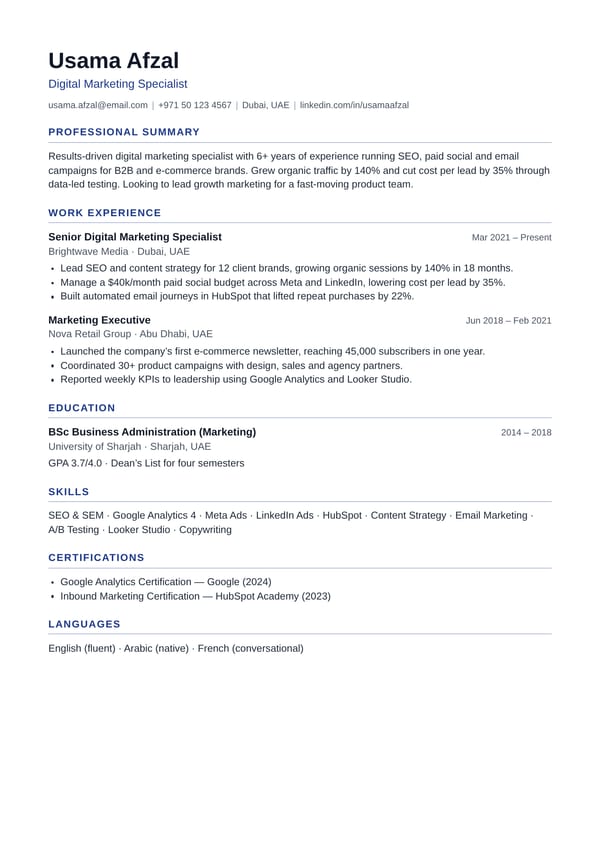
Classic
ATS-friendlyClean and traditional, with accent headings and a fine rule. The safest choice for any job.
Best for: Any industry, corporate and government jobs
Use this template100% free · No sign-up · No watermark
Create a professional, ATS-friendly CV in minutes — or upload your old CV and edit it online for free. No login, no watermark, and your data never leaves your browser.
Already have a CV? Check its ATS score free · Write a cover letter
Fill in the form — the preview and your CV score update as you type. Your progress is saved automatically in this browser.
PDF, Word (.docx) or text file. We read it and fill in the form so you can fix and update it — the file never leaves your device.
A4 · 1 page
This is an example — start typing or upload your CV to replace it.
CV templates
Every template is ATS-friendly, single-column and free to download as a PDF. Switch templates any time — your content stays the same.
Clean and traditional, with accent headings and a fine rule. The safest choice for any job.
Best for: Any industry, corporate and government jobs
Use this template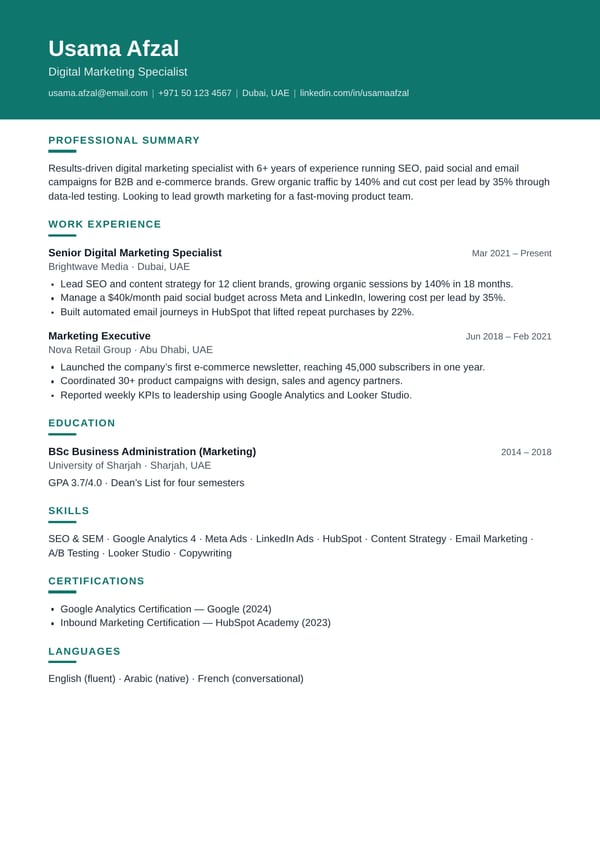
A coloured header band and crisp headings — professional with a fresh, modern look.
Best for: Marketing, IT, sales and startups
Use this template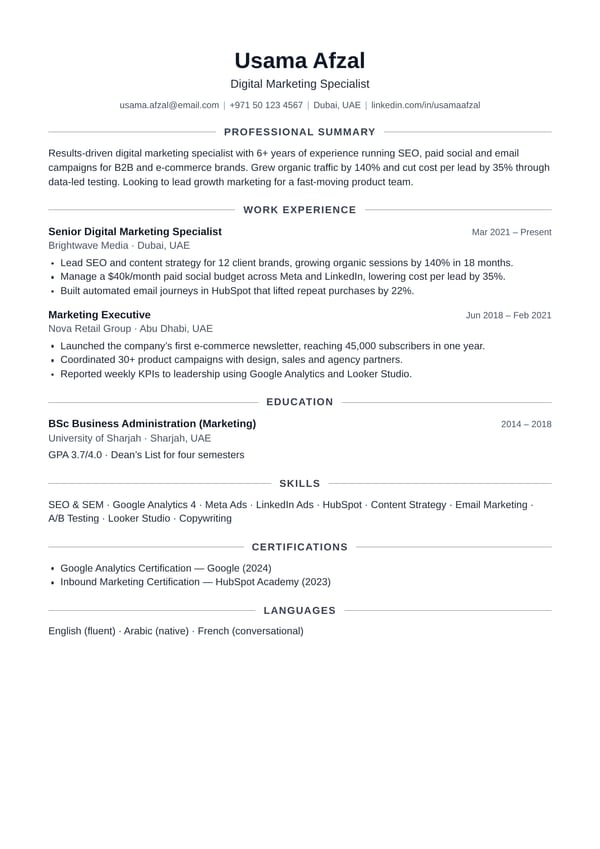
A centred header and elegant headings framed by thin lines, with plenty of white space.
Best for: Design, education, academic and senior roles
Use this template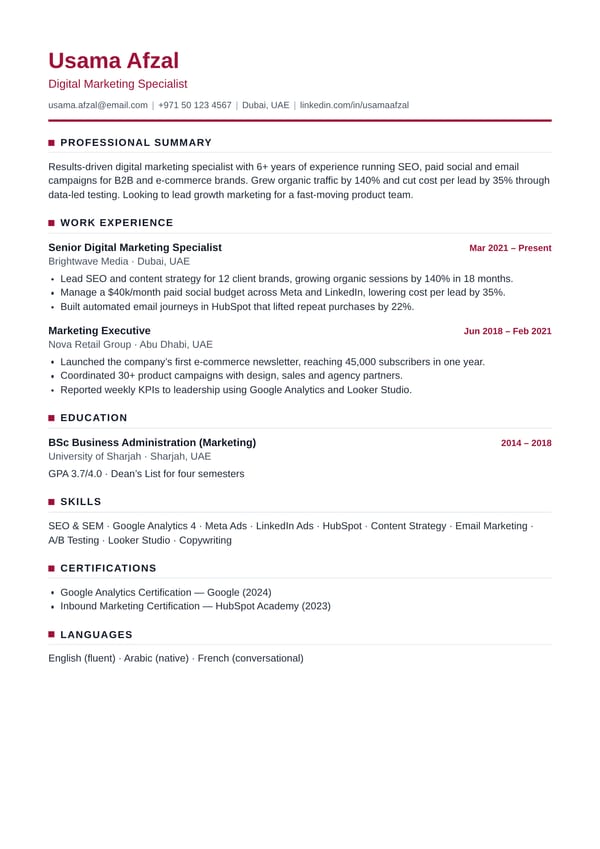
A strong name, thick accent rule and square markers for a confident, senior look.
Best for: Managers, finance, consulting and engineering
Use this template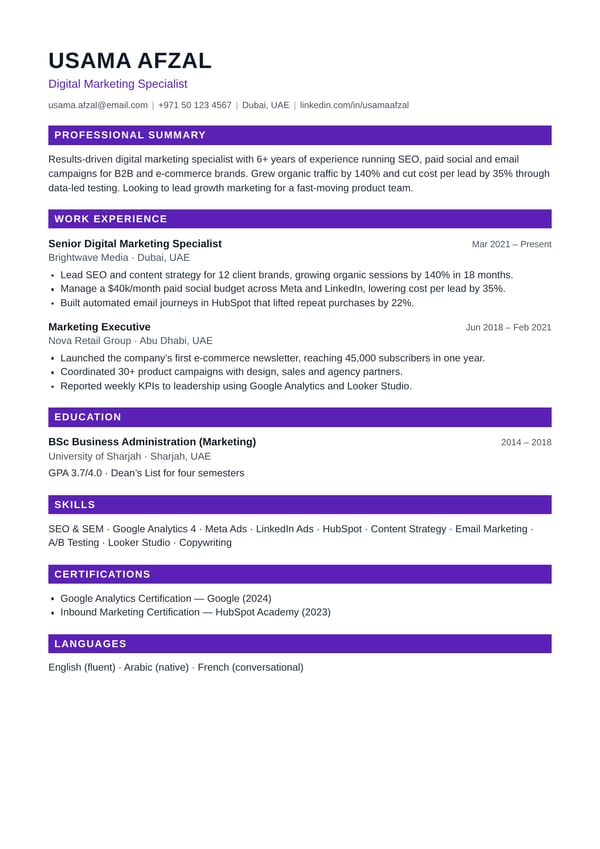
An upper-case name and filled heading bars that stand out on screen and on paper.
Best for: Creative, hospitality and customer-facing roles
Use this template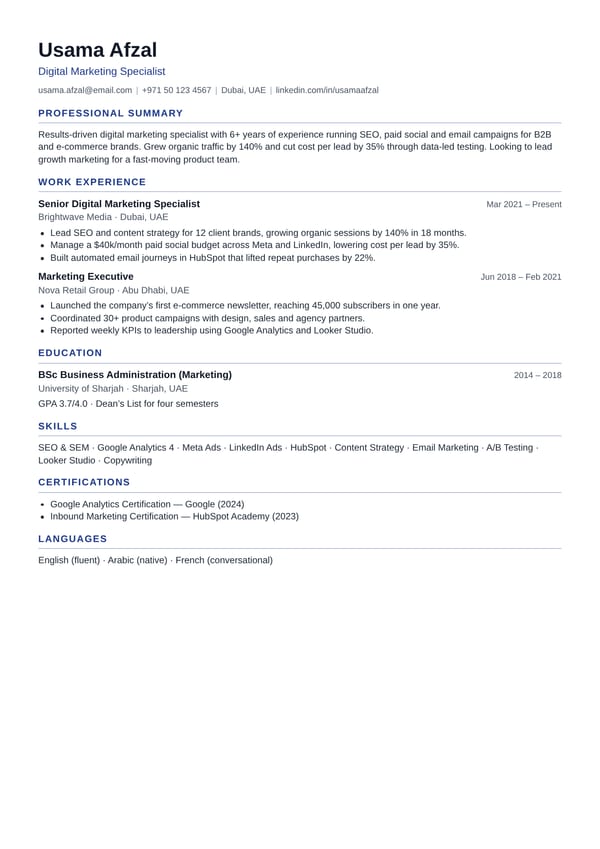
Smaller type and tighter spacing so you can fit more experience on one page.
Best for: Experienced candidates with a lot to show
Use this templateFeatures
Everything you need to make a job-winning CV online — a CV score, photo option, PDF and Word downloads — without sign-ups, subscriptions or watermarks.
Upload a PDF, Word or text CV and we fill in the form for you, so you can edit your CV online instead of retyping it.
A clean single-column layout with standard headings and real, selectable text that applicant tracking systems can read.
Get a score out of 100 and a clear list of what to fix — missing numbers, weak verbs, a short summary — while you type.
Download a crisp, text-based PDF or an editable Word (.docx) file in one click. No email address, no account and no waiting.
See your CV update as you type, with page-break markers so you can keep it to one or two pages.
Add an optional photo for jobs in Pakistan, the Gulf and Europe — round or square, in every template.
Pick example summaries, bullet points and skills for your job title — written examples for 20 common jobs.
Keep a separate CV for every job you apply for, and download a backup file to move them to another device.
Your CV is processed in your browser. Nothing is uploaded to our servers and your draft stays on your device.
A truly free resume builder: no login, no trial period, no hidden fees and no logo stamped on your CV.
Make your CV on a laptop, tablet or phone. Install it like an app and keep working without the internet.
Pick from 6 free CV templates, 5 colours and 2 fonts — and write in English, Arabic, Urdu or any language.
How it works
Upload your old CV (PDF, DOCX or TXT) to edit it online, or start with an empty form in our online CV maker.
Add your experience, education and skills. The clean, single-column layout updates instantly as you type.
Fix the points your CV score highlights, then download a text-based PDF or a Word file — an ATS resume maker with no watermark and no login.
Free tools
Check your CV, write a matching cover letter and start from a real example for your job — all free, with no sign-up.
Upload your CV and get a score out of 100 with a list of fixes. Paste a job advert to see which keywords are missing.
Check my CVAnswer a few questions, edit the letter and download it as PDF or Word in a design that matches your CV.
Write my letterFull CV examples with summaries, bullet points and skills for teachers, nurses, accountants, drivers, engineers and more.
See examplesFree career guides
Practical, step-by-step advice to help your CV get noticed. Start with the best CV format, learn how to make a CV for freshers, or pick the right skills for your CV. Got an interview? Read the most common interview questions. Prefer Urdu? Read our CV guides in Urdu.
Format, sections, examples and the mistakes to avoid — everything you need to write a CV that gets interviews.
Read guideThe simple CV format that works for almost any job: section order, layout, fonts, length and a copy-ready example.
Read guideWhat to put on your first CV when you have no work experience, with a career objective and a fresher CV example.
Read guideMake sure applicant tracking systems can read your resume, with a simple test you can do in 30 seconds.
Read guideHard and soft skills to put on your CV, grouped by job — and how to list them so recruiters notice.
Read guideProfessional summaries you can adapt for engineers, teachers, nurses, graduates, career changers and more.
Read guidePower words grouped by skill, with before-and-after examples that turn duties into achievements.
Read guideHow to format your CV for Dubai, the UAE, Saudi Arabia and Qatar: photo, visa status, licences and more.
Read guideFAQ
Yes. Free CV Maker is a 100% free online CV maker with no login, no watermark and no hidden fees. You can create, edit and download as many CVs as you like.
No. There is no sign-up and no login. Open the page, fill in your details and download your CV as a PDF or Word file straight away.
Yes. Upload a PDF, Word (.docx) or text file and the tool reads it in your browser and fills in the form, so you can edit your CV online instead of retyping it. Scanned image PDFs and old .doc files cannot be read; save them as a text-based PDF or .docx first.
Yes. Free CV Maker has 6 free CV templates — Classic, Modern, Minimal, Executive, Bold and Compact. All are ATS-friendly, and you can switch between them at any time without retyping your CV.
Yes. The PDF contains real, selectable text in a clean single-column layout with standard section headings, so applicant tracking systems can read it. There are no tables, columns or text boxes, and the photo is optional.
The CV score rates your CV out of 100 using 27 checks on your contact details, summary, experience, education, skills, length and ATS safety. It shows exactly what to fix and updates as you type. It is a guide to help you improve your CV, not a guarantee of an interview.
Yes. Open Personal details and choose Add photo. The photo is optional, works in all 6 templates and appears in the PDF and Word downloads. A photo is common on CVs in Pakistan, the Gulf and much of Europe, but leave it off for jobs in the US, UK and Canada.
Yes. Click Word next to the PDF button to download an editable .docx file that opens in Microsoft Word, Google Docs and WPS Office. Many job portals and recruiters ask for a Word CV.
Yes. Use My CVs above the form to create, duplicate and switch between CV versions — for example one for each job you apply for. They are stored only in your browser, and you can download a backup file to keep a copy or move to another device.
Your CV never leaves your device. Everything runs in your browser and your CVs are saved only in your browser's local storage. You can delete them at any time with Clear all or Delete.
Yes. Free CV Maker works in any modern browser on Android phones, iPhones, tablets and computers. Use the Preview button to check your CV and Download PDF to save it. You can also install it on your home screen like an app and keep working offline.
Yes. You can type your CV in any language. For non-Latin scripts such as Arabic or Urdu, the PDF download opens your browser's Save as PDF option so every character is kept, and the Word download keeps them too.
A professional resume is short, clear and focused on results. Start with your name, job title and contact details, then add a two- to three-sentence summary that explains who you are and what you offer. List your work experience in reverse-chronological order and give each role three to five bullet points that begin with an action verb and include numbers where possible, such as “cut delivery times by 20%”. Finish with your education and a focused list of skills that match the job description, and keep the whole document to one or two pages.
Free CV Maker makes this easy. With our free resume builder online no login is needed: type your details and the live preview updates instantly. Already have a CV? You can upload and edit old CV free of charge — drop in a PDF, Word or text file and the form fills itself. The built-in CV score shows what to improve, and you can download the finished CV as a PDF or an editable Word file. Need a starting point? Browse our CV examples by job, then add a matching letter with the free cover letter maker.
Most employers screen applications with an Applicant Tracking System (ATS) before a recruiter ever sees them. These systems struggle with columns, tables, text boxes and text inside images, so a beautifully designed CV can be filtered out automatically. An ATS friendly resume maker free of fancy graphics and hidden text boxes avoids that problem. Every PDF created with Free CV Maker contains real, selectable text in a single-column layout with standard headings, so tracking software can read every word. Think of it as a simple CV format maker online: clean structure, readable fonts and an instant PDF download. For more tips, read our ATS-friendly resume guide or test a CV you already have with the free ATS CV checker.